Control real browser tabs from your own page scripts
Remote Tab Opener lets you control real browser tabs across allowed domains from your own page scripts, with named tab reuse, visible automation, and no server, proxy, cloud relay, or Selenium grid.
app.example.app.example
billing.example.org
tabKey, still debuggable like a normal Firefox tab.Useful from the first script
RTO is designed for browser-side workflows where you want real tabs, clear control, and less infrastructure overhead.
Named multi-tab workflows
Open and reuse named tabs with tabKey instead of juggling loose tab state.
Visible, real browser automation
Automate actual Firefox tabs you can see, inspect, focus, and explain to other humans.
No relay infrastructure
Keep orchestration local with no server, no proxy, and no cloud relay in the middle.
Easy to script
Start with the SDK, helpers, or copy-paste examples, then use coding copilots to adapt the flow faster.
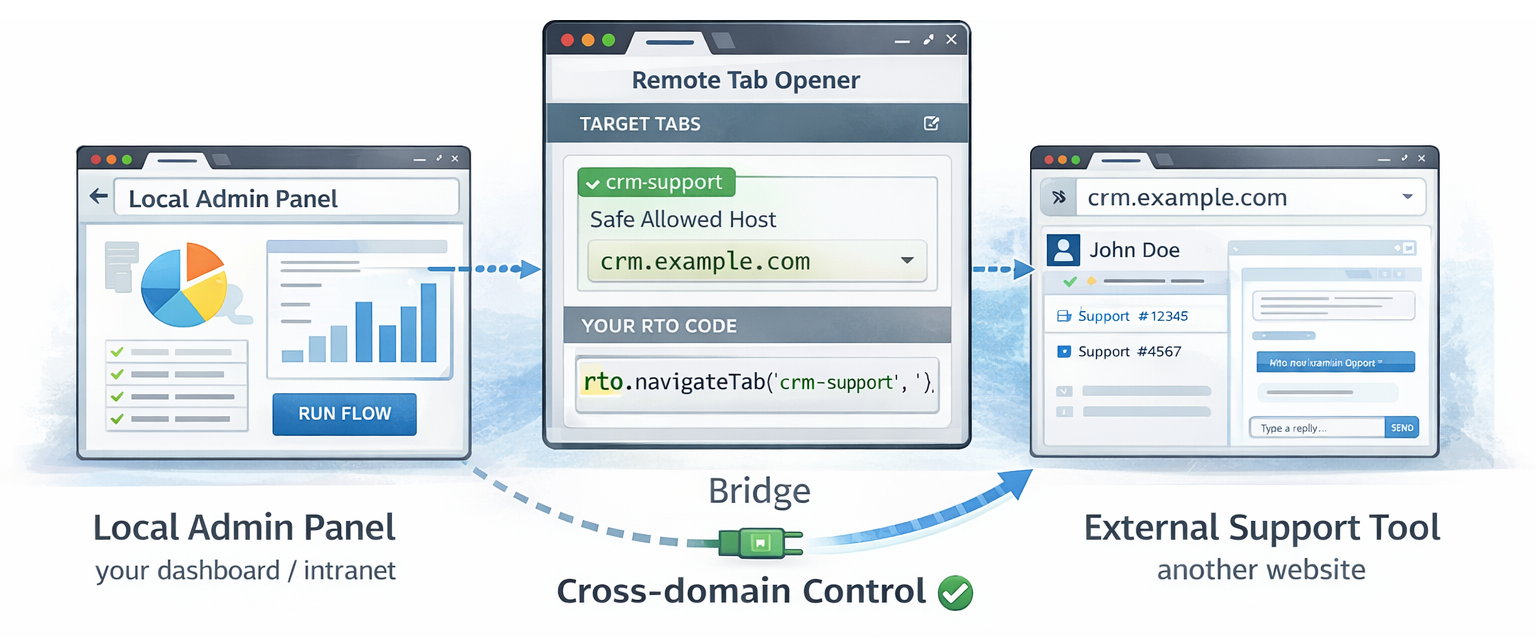
This is cross-domain control, not a security bypass.
Built for practical browser-side work
- Developers building internal control pages or admin panels.
- QA teams that need visible browser workflows without heavy headless infrastructure.
- Support tooling that opens the right page and guides the next action.
- Product demos and guided walkthroughs that benefit from real tabs and visible overlays.
- Ops and internal dashboards that need repeatable multi-tab browser flows.
Planned visual: one master tab coordinating named tabs, overlays, and a visible local workflow.
Practical gains without a backend relay
Real tabs you can actually see
Open, navigate, focus, and inspect a visible tab instead of automating a hidden abstraction.
Local orchestration
Build internal browser workflows without adding relay services, proxies, or cloud runners.
Cross-domain on allowed hosts
Drive a real tab on another explicitly allowed domain from your own local page script.
tabKey keeps flows tidy
Reuse named tabs on purpose and keep multi-step flows easier to understand and debug.
A lighter fit for many real browser-side workflows
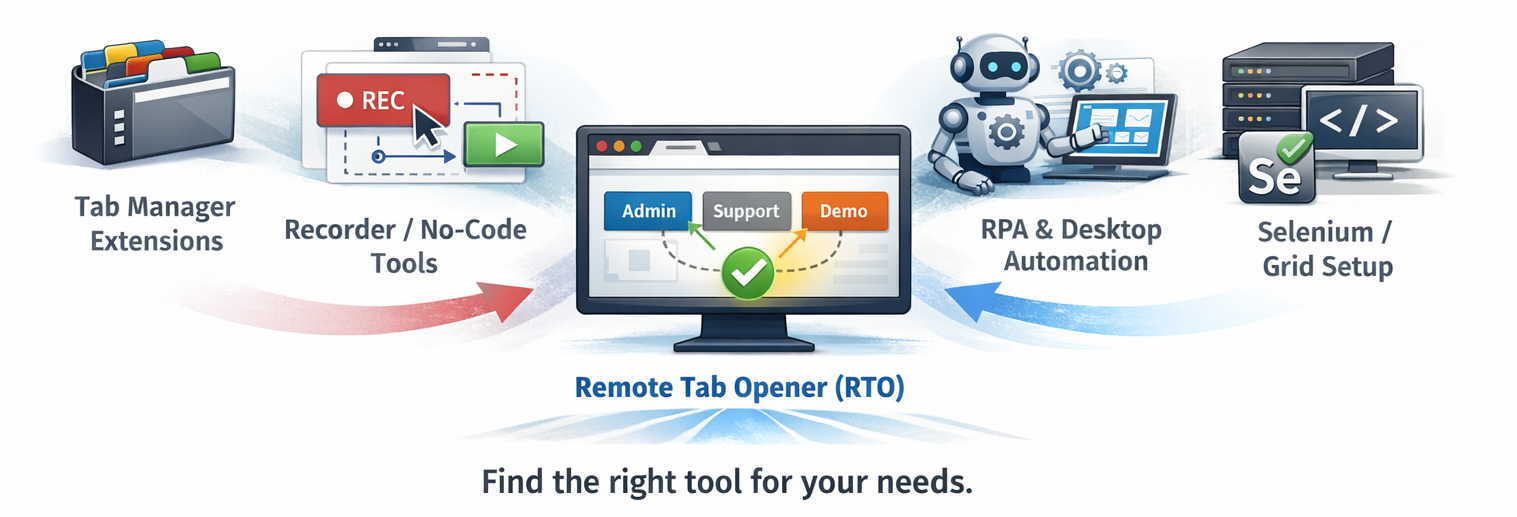
RTO is not trying to replace every automation stack. It fits the space between a plain tab helper, a macro recorder, and a full backend-heavy automation setup.
More useful than a simple tab switcher
You can do more than jump tabs: open them, reuse them, navigate them, and run safe predefined DOM actions.
More controllable than macro replay
You script explicit requests and selectors instead of hoping a recorded macro still matches the current page.
Lighter than headless-plus-relay setups
For many internal browser workflows, a local extension plus page script is simpler than building relay infrastructure.
Build faster with AI assistance
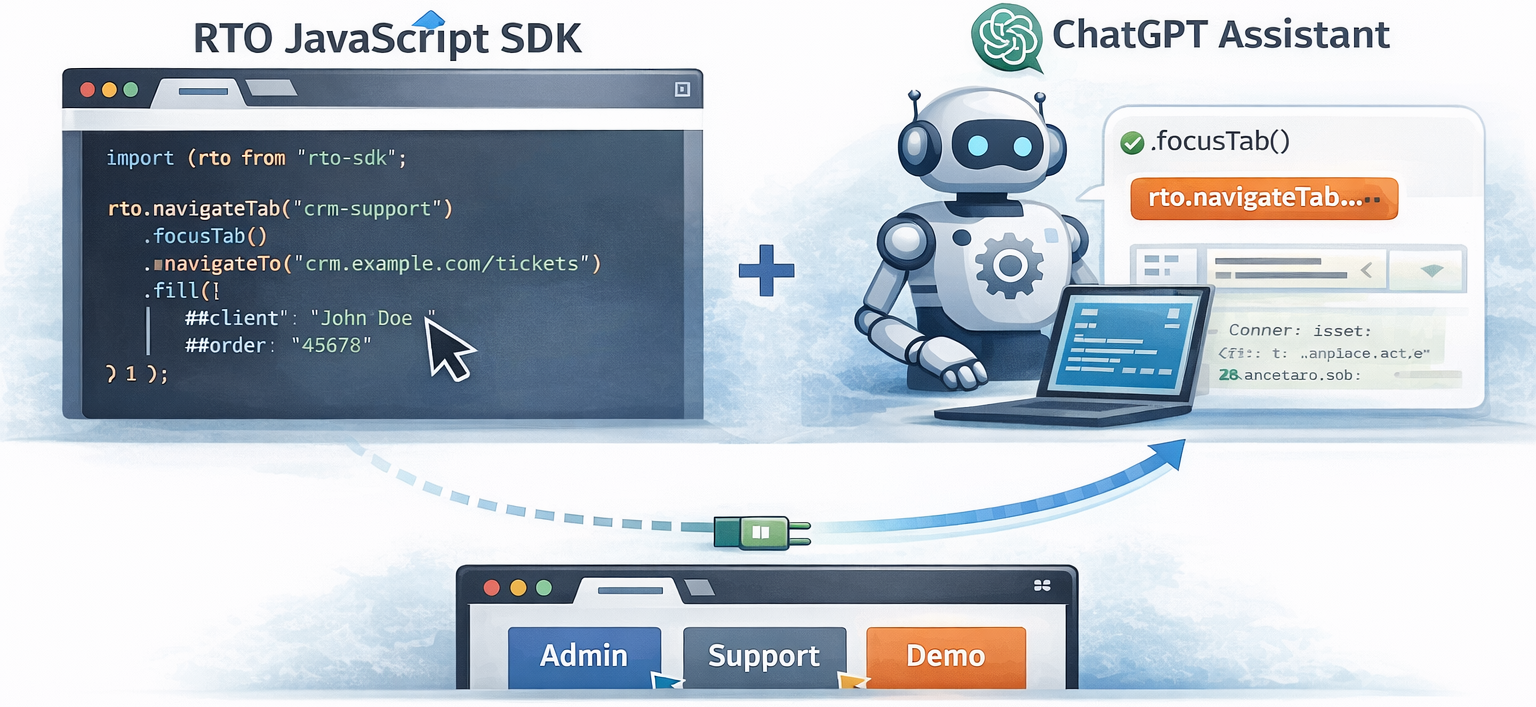
RTO works especially well with coding copilots because the model is explicit: a page script, a local bridge, named tabs, and clear error codes. AI can help draft starter scripts, adapt SDK snippets, turn a manual flow into a repeatable sequence, or debug request payloads.
Important: AI is not built into the plugin. It is simply a practical way to reduce implementation time around the SDK, helpers, and examples.
- Draft a first controller page from the SDK.
- Turn a manual QA flow into
openTab,navigate, and DOM actions. - Adapt selectors and overlay steps faster.
- Interpret returned errors and retry the right way.
Start visually, use the SDK directly, or mix both
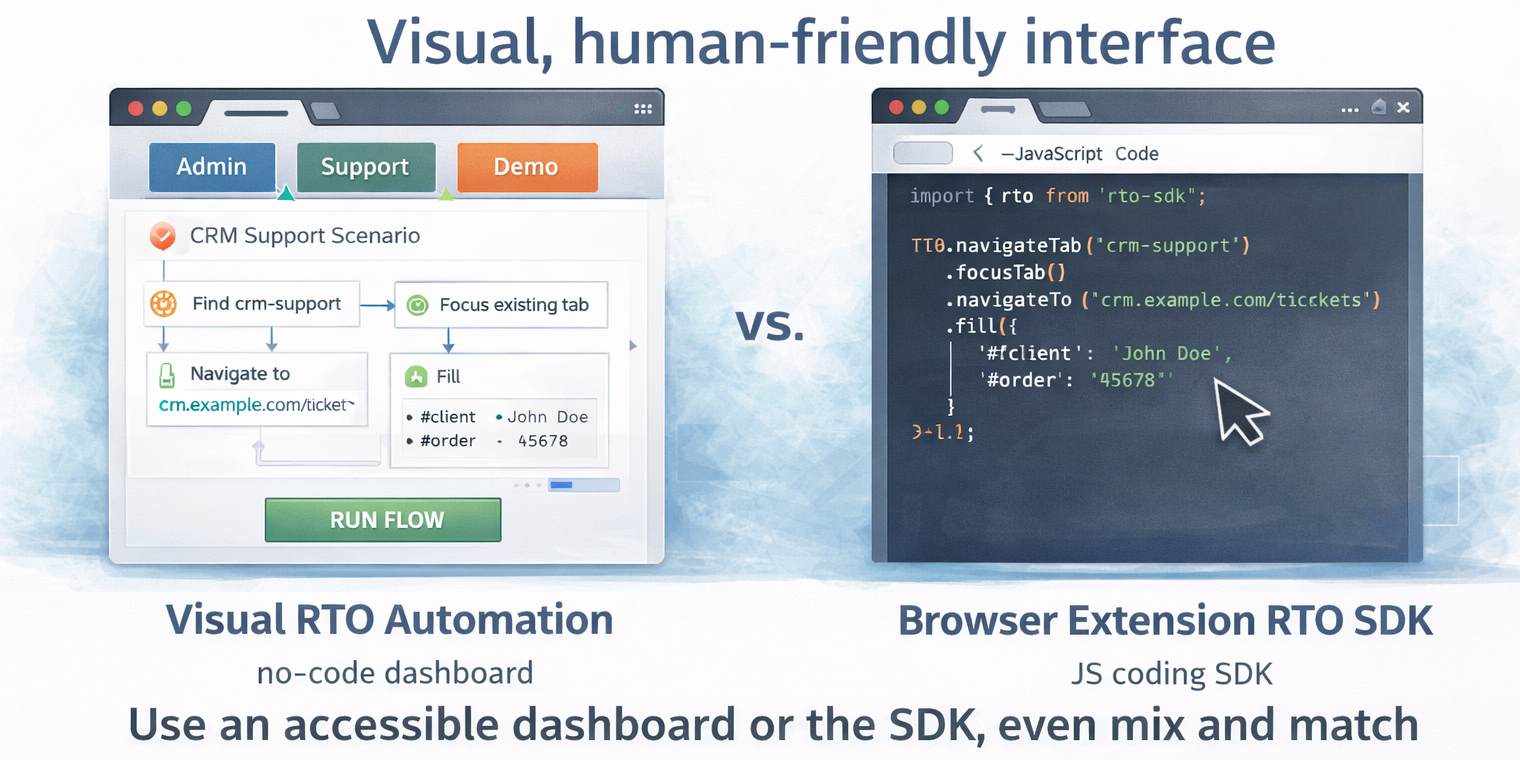
RTO can fit both code-first and human-friendly workflows. Use a visual dashboard when you want a more guided interface, use the JavaScript SDK when you want explicit control, or combine both depending on the task.
How it works in one practical pass
tabKey or tabId, and open, reuse, or navigate it.app.example.billing.example.org via tabKey.The full version of this visual will illustrate one local page orchestrating a real tab on another allowed domain without backend relay infrastructure.
Short answers to the first practical questions
Do I need a server or proxy?
No. RTO is local-first and runs in the browser without a server, proxy, or cloud relay.
Does this bypass the Same-Origin Policy?
No. RTO respects browser boundaries and only works on hosts you explicitly allow.
Is it free?
Yes. The Firefox extension is free to install, and the site also exposes the free SDK, examples, and documentation.
How do I manage more than one tab?
Name them with tabKey values such as support, qa, or demo, then reuse those keys across actions.
What is new in v7.13.0
openTabnow coalesces identical requests and stays serialized pertabKey.navigateandallowlistAddRequestreject duplicate in-flight spam more defensively.- Controlled tabs now show the clearer
WARNING : This tab is controlled by RTObanner text. - Helpers, examples, docs, and the public SDK were refreshed together for the current 7.13.0 flow.
Pick the right entry point
How it works
The bridge page between the sales pitch and the full technical reference.
Read the overviewDocumentation
The complete reference for APIs, security notes, helpers, and troubleshooting.
Read docsExamples
Live demos for first contact, cursor overlays, local targets, and manual labs.
Browse examples